The Klarna app is a free shopping and payments tool that lets you buy what you need now and pay for it later, without paying interest when you pay on time. More than 85 million people use it to split purchases into smaller amounts, earn cashback, compare prices, and track their orders in one simple place. If you have ever wanted more control over your spending, this guide explains exactly how the app works, what it costs, and how to use it wisely in 2026.
What Is the Klarna App?
Klarna is a “buy now, pay later” (BNPL) service that started in 2005 and has grown into one of the largest payment companies in the world. The app connects you to hundreds of thousands of stores, including major brands like Amazon, Walmart, Adidas, and H&M, so you can shop online or in physical stores.
Instead of paying the full price at checkout, you choose a payment plan that fits your budget. You can also use the app to manage every purchase, set reminders, view due dates, and get help from customer support when you need it.
How the Klarna App Works
Getting started is quick and free. You download the app from the App Store or Google Play, create an account with your email, and verify your identity. From there, you shop directly in the app or tap the pink Klarna badge at checkout on partner websites.
When you check out, the app shows you several ways to pay:
- Pay in 4: Split your purchase into four equal, interest-free payments. You pay 25% upfront and the rest every two weeks. This option usually works for orders between about $35 and $1,000.
- Pay in 30 days: Buy now and pay the full amount within 30 days, with no interest.
- Pay in full: Cover the entire cost right away through a fast, secure checkout.
- Pay over time (financing): Spread larger purchases over 6 to 24 months. This plan may charge interest, with rates that vary based on your approval.
Key Features of the Klarna App
The app does more than break up payments. It works as a full shopping assistant that helps you save money and stay organized.
Its most popular features include cashback of up to 10% on eligible in-app purchases, price comparison tools that help you find the best deal, and price-drop alerts that notify you when an item you saved gets cheaper. You can also track all your online orders in one feed instead of digging through your email, and request fast refunds when you return something.
The Klarna Card and Cashback Rewards
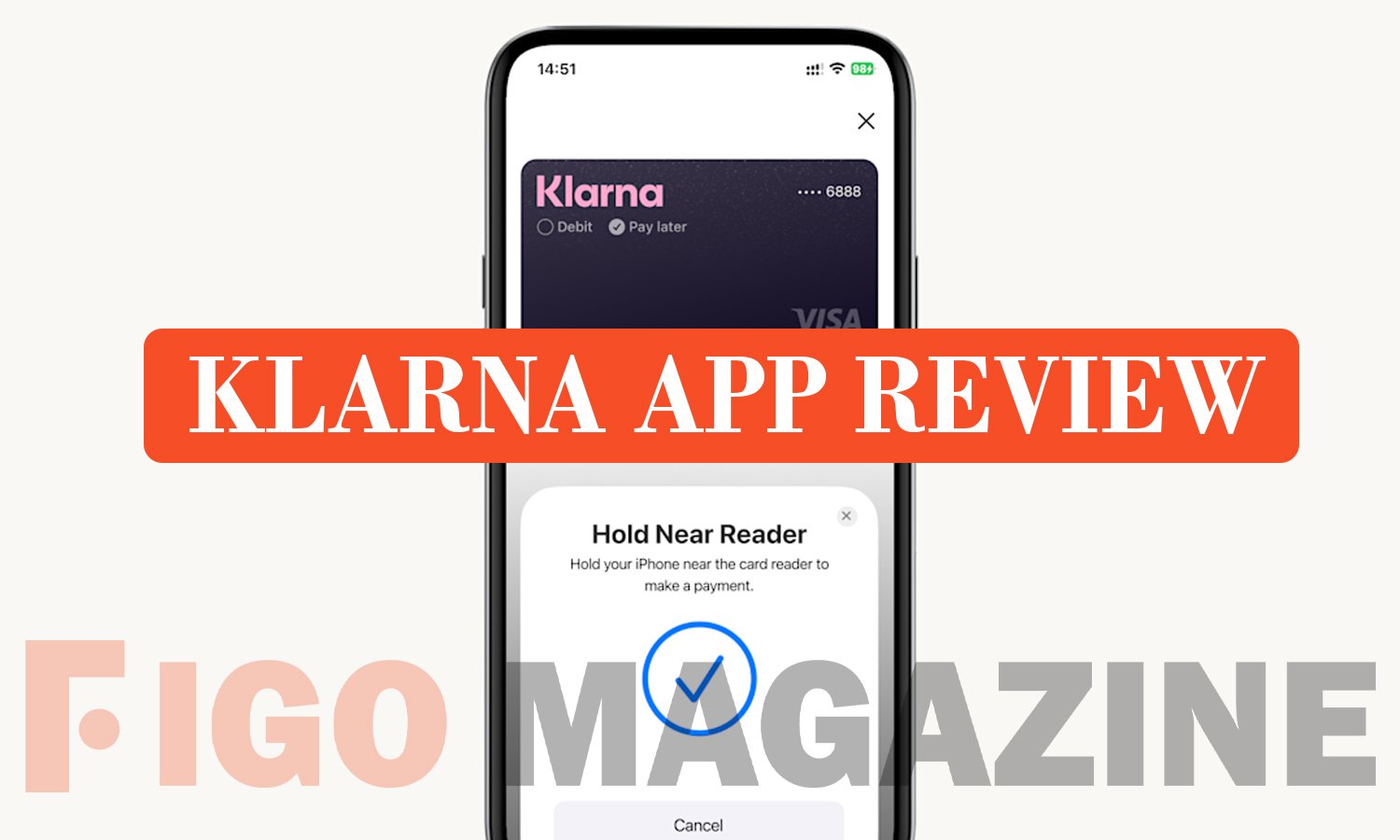
The Klarna Card gives you even more flexibility. It works anywhere Visa is accepted, both online and in stores, and lets you choose to pay now or pay later on each purchase. You sign up for free inside the app, and applying does not affect your credit score in the U.S.
On top of that, the app rewards you for shopping. You earn cashback that goes straight into your Klarna balance, and you can spend that balance on future purchases. Members of the free rewards club can also unlock exclusive deals and collect points on eligible spending.
Pros and Cons of Using Klarna
Like any financial tool, Klarna has clear strengths and a few trade-offs. Weighing both sides helps you decide if it fits your money habits.
Pros:
- Interest-free options (Pay in 4 and Pay in 30) when you pay on time
- No hard credit check for the most popular plans, so your score stays safe
- Buyer protection and paused payments during disputes or returns
- Cashback, price tracking, and easy order management in one app
Cons:
- The ease of splitting payments can lead to overspending
- Missed payments trigger a late fee of up to $7 on Pay in 4
- Pay in 4 and Pay in 30 activity is not reported to U.S. credit bureaus, so on-time payments do not build credit
- Financing plans use a hard credit check and may charge interest
Is the Klarna App Safe to Use?
Klarna uses secure checkout, buyer protection, and fraud safeguards to keep your information and money safe. When you file a dispute or return an item, the app pauses your payments until the issue is resolved, so you never pay for something you did not keep. If you miss a payment, Klarna also pauses your account, which stops you from adding more debt.
Your credit stays protected with the everyday plans because Pay in 4 and Pay in 30 use only a soft credit check. Financing is different, since it involves a hard check and reports to credit bureaus. To stay in control, pay on time, borrow only what you can afford, and treat the app as a budgeting helper rather than free money.
Conclusion
The Klarna app makes flexible shopping simple, safe, and rewarding when you use it responsibly. With interest-free plans, cashback, and helpful tools in one place, it fits shoppers who want more control over how and when they pay. Use it with a clear budget, pay on time, and you get all the convenience without the stress.
Frequently Asked Questions
1. Is the Klarna app free to download?
Yes. The Klarna app is free on both the Apple App Store and Google Play, and creating an account costs nothing.
2. Does using Klarna hurt my credit score?
The popular Pay in 4 and Pay in 30 plans use a soft credit check that does not affect your score. Only financing plans use a hard check and report to credit bureaus.
3. What happens if I miss a Klarna payment?
Klarna charges a late fee of up to $7 on Pay in 4 and pauses your account until you catch up. Repeated missed payments can lead to collections.
4. Where can I use the Klarna app?
You can use Klarna at hundreds of thousands of online and in-store partners, including Amazon, Walmart, and Adidas, plus anywhere Visa is accepted with the Klarna Card.
5. Can I earn cashback with the Klarna app?
Yes. You can earn up to 10% cashback on eligible in-app purchases, and that balance can be spent on future orders.
Discover your next great read at Figgo Magazine.