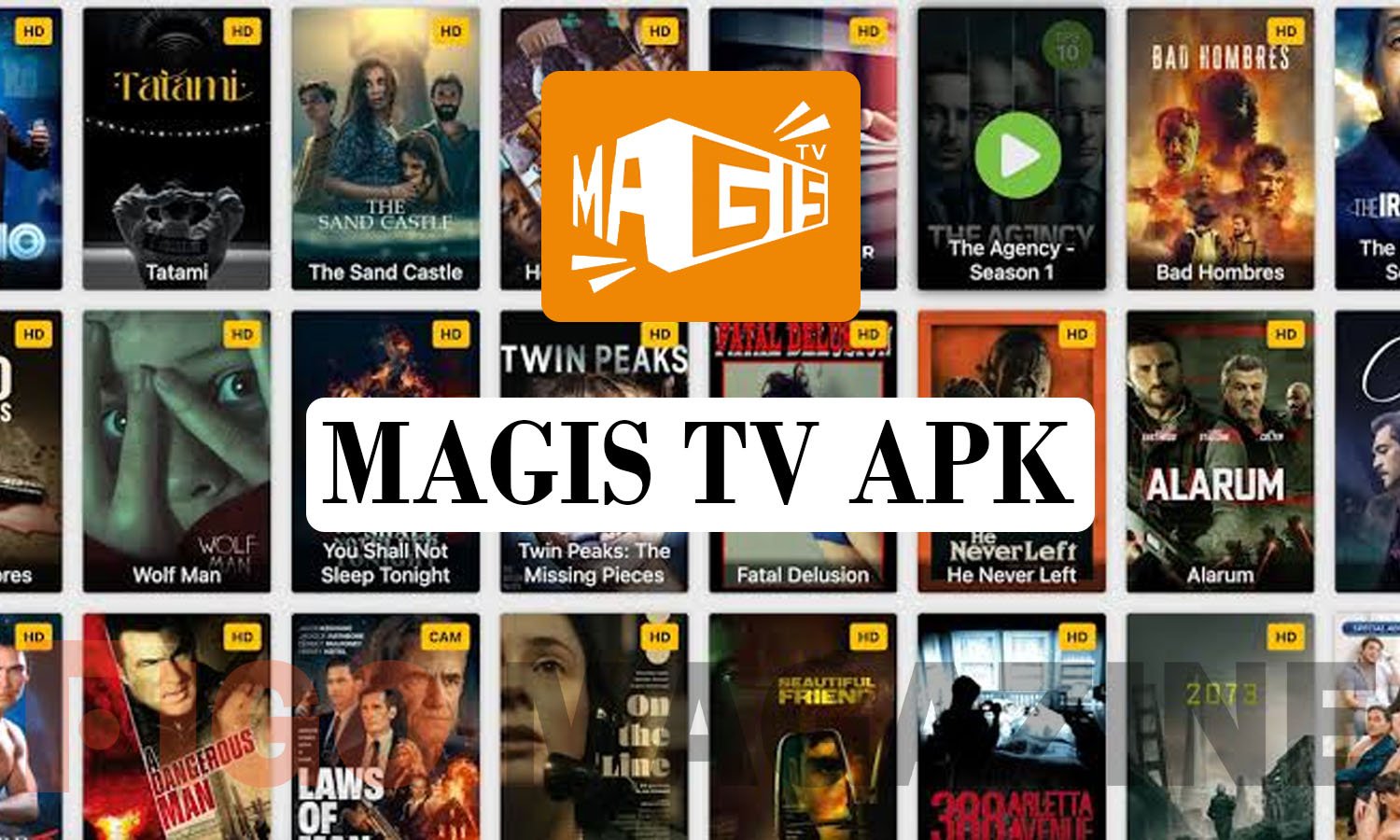
Magis TV APK is a free streaming application that has gained attention for offering live TV channels, movies, and TV shows without a paid subscription. The app is not listed on the Google Play Store, so users typically download it directly from third-party websites as an APK file. While the app promises a large content library and easy access on multiple devices, it also raises real questions about legality, safety, and data privacy that anyone considering it should understand before installing it.
What Is Magis TV APK?
Magis TV APK is a streaming app built for Android devices, smart TVs, and TV boxes. It aggregates live television channels from various countries alongside a catalog of movies and series, all presented through a simple, scrollable interface. Users do not need to create a paid account or enter payment details to start watching content.
The app also supports installation on Firestick devices through sideloading tools like Downloader, and it can run on PCs through Android emulators such as BlueStacks. Because it is not distributed through official app stores, the developer behind it operates with limited oversight, and version updates come directly from the app’s own website rather than a regulated marketplace.
How Magis TV APK Works
Once installed, Magis TV organizes content into categories such as live channels, recently added movies, and trending series. Users can browse by genre, search for specific titles, and switch between standard and high-definition streaming depending on their internet speed. The interface is designed to feel familiar to anyone who has used mainstream streaming apps.
The app streams content by pulling video feeds from external servers rather than hosting original licensed material. This is a common structure among free IPTV-style apps, and it means the available channels and titles can change frequently as sources go offline or get replaced. Some versions also include Chromecast support, letting users cast content from their phone to a larger screen.
Is Magis TV APK Legal and Safe?
This is the most important question for anyone researching the app. Magis TV does not hold licensing agreements with the movie studios, networks, or sports leagues whose content appears on the platform. Streaming or distributing copyrighted material without authorization violates copyright law in most countries, including the United States, and users could face legal exposure depending on local regulations.
Beyond legality, safety is a genuine concern. Because the app is downloaded from outside the Play Store, it bypasses Google’s standard security checks, including malware scanning. Installing it requires enabling “unknown sources” on a device, which lowers built-in security protections. Independent reviewers and cybersecurity researchers have repeatedly flagged unofficial APK sites for bundling adware or tracking software alongside the intended app, so users take on real risk with every download from an unverified source.
How to Download and Install Magis TV APK
For those who choose to proceed despite the risks, the process typically follows a few standard steps across devices. On Android phones and tablets, users open their browser, search for the app, and download the APK file from a website. Before installing, they must go to Settings, then Security, and enable installation from unknown sources.
After the file finishes downloading, opening it from the device’s file manager starts the installation process. Firestick users follow a similar path using the Downloader app, while smart TV owners with Android-based systems can sideload the APK using a USB drive or a TV-compatible file manager. iOS users face a more complicated process involving third-party installer tools, since Apple’s App Store does not permit unauthorized streaming apps at all.
Features Commonly Advertised by Magis TV
Marketing pages for Magis TV typically highlight a few recurring features that explain its popularity among free-streaming users.
- A large library spanning live channels, movies, and series across multiple genres
- Support for HD streaming quality when internet speed allows it
- Compatibility with Android phones, tablets, smart TVs, Firestick, and PC emulators
- Multi-language subtitle and audio options for international content
- Screen mirroring through Chromecast or AirPlay on supported devices
These features explain why the app continues to attract searches, even as its legal standing remains questionable. The promise of no subscription fees is a strong draw, particularly for users looking to avoid the rising cost of multiple streaming services.
Safer Alternatives to Consider
Anyone concerned about legal risk or device security has legitimate alternatives that still deliver free or low-cost content. Services like Tubi, Pluto TV, and The Roku Channel offer ad-supported movies and live channels through official, licensed partnerships, meaning the content creators and rights holders are properly compensated.
For users specifically interested in live sports or international news, platforms such as YouTube TV’s free trial periods or local broadcaster apps often provide legal access without the security risks tied to sideloaded APK files. These options run through verified app stores, receive regular security patches, and carry no copyright exposure for the end user.
Conclusion
Magis TV APK appeals to users searching for free movies and live TV without a subscription, but the app’s unlicensed content and unofficial distribution method come with real legal and security trade-offs. Before downloading, it’s worth weighing those risks against legitimate, ad-supported alternatives that offer similar convenience without the same exposure.
Frequently Asked Questions
Is Magis TV APK available on the Google Play Store?
No, Magis TV APK is not listed on the Google Play Store. Users must download it from third-party websites, which carries additional security risk.
Does Magis TV APK cost money to use?
The app is free to download and does not require a paid subscription to access most of its content library.
Can Magis TV APK be installed on a Firestick?
Yes, it can be sideloaded onto a Firestick using the Downloader app after enabling installations from unknown sources in the device settings.
Is it legal to stream movies on Magis TV APK?
Magis TV does not hold official licensing agreements for its content, so streaming through the app raises copyright concerns in most countries.
Are there safer alternatives to Magis TV APK?
Yes, licensed free services like Tubi, Pluto TV, and The Roku Channel offer similar content legally without the security risks of sideloaded apps.
Discover your next great read at Figgo Magazine.